M5Stick S3_RF_2in1
注意:所有模块需要Bruce固件中使用,链接:[https://github.com/pr3y/Bruce/]
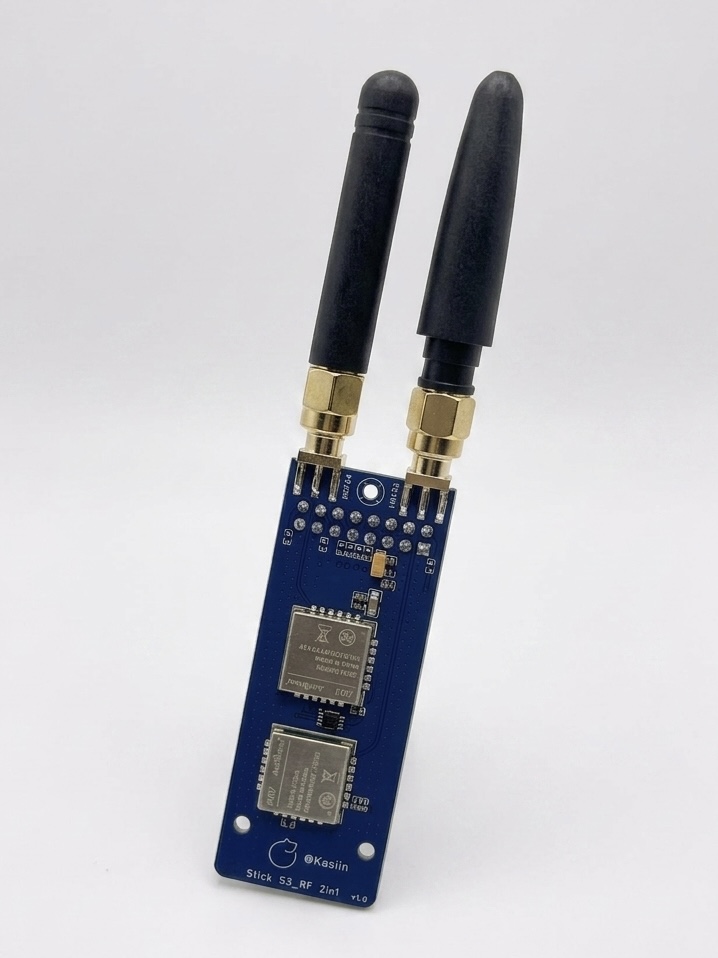
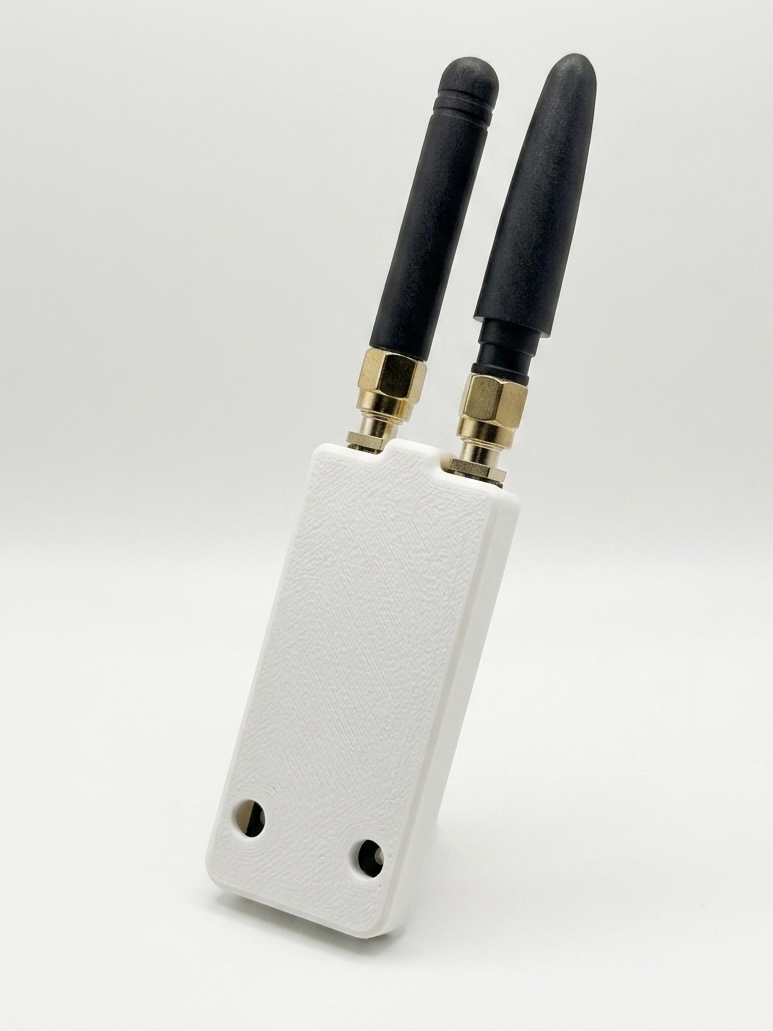
How to use 使用方法
Firmware
- Please always use the latest Bruce firmware, this module only work with Bruce version 1.14 or above. 请始终使用最新版的Bruce固件,本模块仅兼容Bruce 1.14及更高版本。
- Flash tool here: bruce.computer/flasher
在线烧录工具:bruce.computer/flasher
Setup
-
Install the antenna, round-tip antenna for NRF24/2.4G, stubby chili antenna for CC1101/433M.
先安装天线,圆头天线安装至NRF24/2.4G,小辣椒天线安装至CC1101/433M。 -
Then insert the module into the M5Stick S3's IO slot. 将模块插入M5Stick S3的IO插槽内。
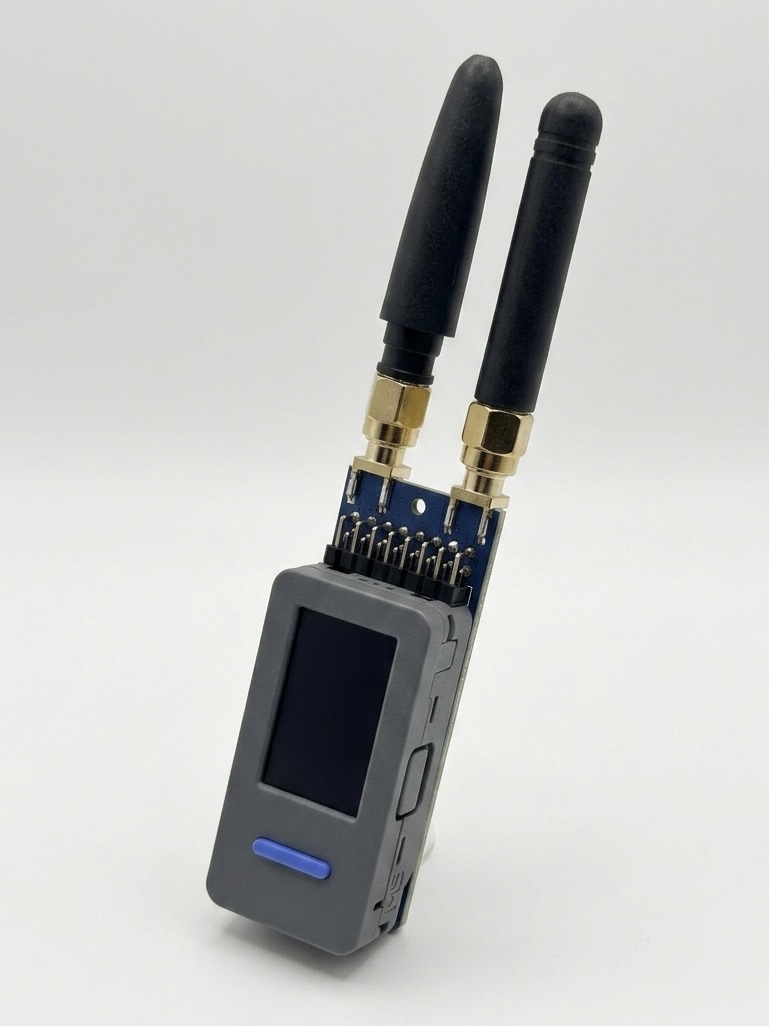
CC1101
- To use the CC1101 in Bruce, turn off your M5Stick S3 and connect the module .
将M5Stick S3关机,模块插入M5Stick S3。 - Turn on the device, then navigate to "RF->Config->RF Module" and select "CC1101 (legacy)" 打开设备,然后导航到“RF->Config->RF Module”并选择“CC1101 (legacy)”。
- If the "CC1101 not found" error message appears, please check your firmware version to ensure it is 1.14 or higher, if the error remains, turn off the M5Stick S3, recheck the connection and try again.
如果出现“CC1101未找到”错误消息,请确认固件版本不低于1.14,如果错误依然存在,关闭M5Stick S3,重新检查模块插入情况,然后重试。 - If no error is shown, then the CC1101 is initted correctly, and you can use it in the RF menu.
如果没有显示错误,则CC1101已正确初始化,您可以在RF菜单中使用它。 - For this module you can also set a custom frequency in the supported subranges: 300-348 MHZ, 387-464 MHZ and 779-928 MHZ. Setting an empty or invalid frequency will reset to the default 433.92 MHZ. Transmitting from a sub file will always use the frequency specified inside the file regardless of the user setting.
对于此模块,您还可以在支持的子范围内设置自定义频率:300-348 MHZ、387-464 MHZ和779-928 MHZ。设置空频率或无效频率将重置为默认的433.92 MHZ。从sub文件传输时,无论用户设置如何,都将始终使用文件中指定的频率。
NRF24
- To use the NRF24 in Bruce, turn off your M5Stick S3 and connect the module.
将Cardputer关机,模块插入到M5Stick S3。 - Turn on the device, then navigate to "NRF" . 打开设备,然后导航到“NRF”来使用。
- If the "NRF not found" error message appears, turn off the M5Stick S3, recheck the connection and try again.
如果出现“NRF未找到”错误消息,请关闭M5Stick S3,重新检查模块插入情况,然后重试。 - If no error is shown, then the NRF24 is initted correctly, and you can use it in the NRF menu.
如果没有显示错误,则NRF24已正确初始化,您可以在NRF菜单中使用它。
特别声明 / Special Declaration
-
本模块仅为射频模组与主机之间的物理连接模块。
This module serves solely as a physical connection interface between the RF module and the M5stack devices. -
本模块不包含任何软件、驱动程序或固件。
This module does not contain any software, drivers, or firmware. -
本模块不具备任何干扰、拦截或阻止授权无线电通信的功能。
This module does not possess any functions to interfere with, intercept, or block authorized radio communications. -
请用户务必在当地法律法规允许的范围内使用本设备。用户需对其最终用途及操作的合法性承担全部责任。
Users must use this device strictly within the scope permitted by local laws and regulations. The user assumes full responsibility for the legality of its end-use and operation.
Acknowledgments
For more details and information, see Bruce Firmware Wiki.